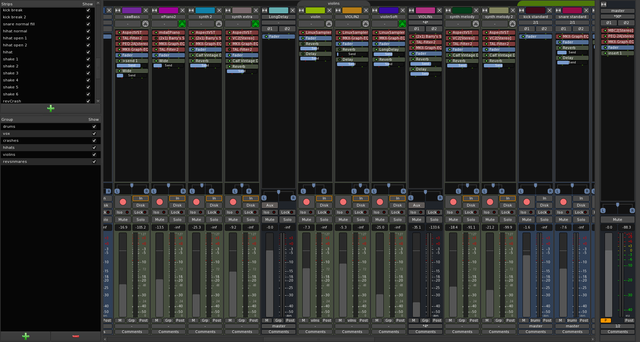
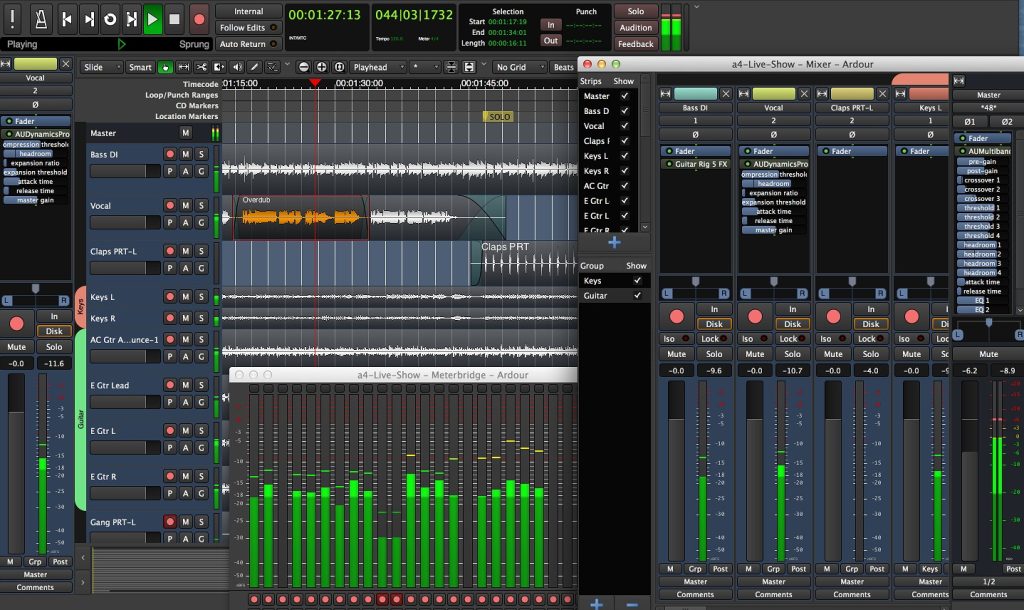
软件名称:Ardour v9.2.0 功能强大的开源数字音频工作站
软件大小:WIN:84.6MB MAC:99.4MB
软件版本:WIN:v9.2.0 MAC:v9.2.0
软件语言:WIN:英文版 MAC:英文版
支持系统:Windows 10/11 MAC 10.13 至最新系统
下载方式:百度网盘下载 支持M芯片系列MAC电脑
安装教程:附带文本安装方法
安装方法:只需安装,尽情享受!
Ardour 的源代码是免费的,但预编译的即用型程序需要付费。
写道: “您可以随意使用它(包括在任意数量的机器上使用,以及复制给朋友)。”基于这句话,我只能假设在这里分享它是完全合法的,因为我们都是朋友,对吧?但是,如果您决定使用它,请考虑支持开发者。
录制、编辑和混音。
Ardour 是一个开源项目,由来自世界各地的音乐家、程序员和专业录音工程师组成的团队共同协作开发。开发过程完全透明——任何人都可以实时查看我们的工作。就像一件精良的复古硬件一样,您可以打开盒子一探究竟。当然,您不必这样做……但总有一天,任何人都可以查看这一点会很有用。
9.0 版本新增功能:
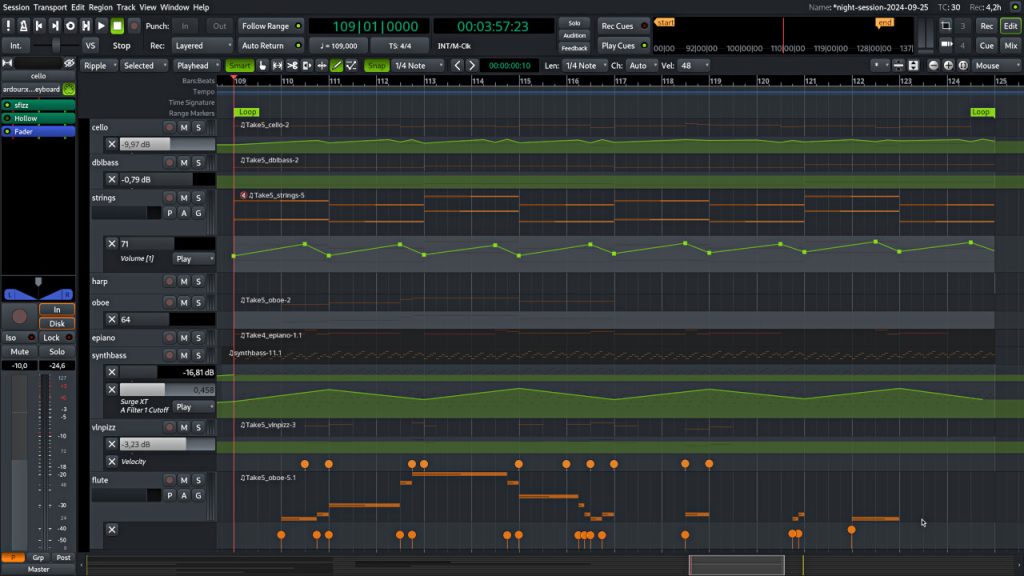
– 钢琴卷帘窗口 – 专用的 MIDI 编辑窗口,让您能够更清晰、更专注地进行创作。
– 提示录制和编辑 – 直接录制到提示槽中,将 Ardour 变成强大的实时循环工具。
– 区域效果器 – 将插件应用于特定的音频区域,而不会增加 DSP 负载,非常适合局部效果。
– 实时感知分析器 – 可视化重叠的频率范围,以发现混音冲突。
– 音符刷写 – 使用直观的快捷键快速绘制节奏或旋律模式。
– 多点触控 GUI – 现在支持 Linux 和 Windows 上的触控交互。
– 混音器条导入/导出 – 在不同会话中保存和重复使用混音器设置。
底层改进
– macOS 系统下更快的图形用户界面性能。
– 扩展了插件支持(LV2、VST3、Lua 脚本)。
– 改进了 MIDI 处理、自动化编辑和会话管理。
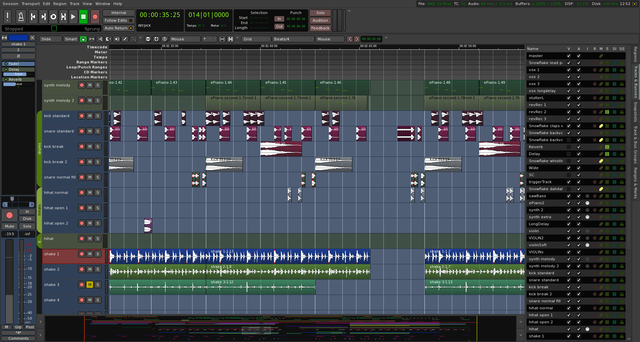
Ardour’s source code is free, but the precompiled, ready-to-use program requires payment.
Quoted from Ardour’s FAQ page:
“You are free to do anything with it that you want (including use it on as many machines as you wish, make copies of it for friends).”Based on that statement, I can only assume it’s perfectly legal to share it here since we’re all friends, right?
But still, please consider supporting the developer if you decide to use it.
Record, Edit, and Mix.
Ardour is an open source, collaborative effort of a worldwide team including musicians, programmers, and professional recording engineers. Development is transparent — anyone can watch our work as it happens. Like a good piece of vintage hardware, you can open the box and look inside. Of course, you don’t have to … but one day the fact that anybody can will be useful.
New Features in 9.0
– Pianoroll Windows – Dedicated MIDI editing windows for cleaner, distraction-free composition.
– Cue Recording & Editing – Record directly into cue slots, turning Ardour into a powerful live looping tool.
– Region FX – Apply plugins to specific audio regions without adding DSP load, perfect for localized effects.
– Realtime Perceptual Analyzer – Visualize overlapping frequency ranges to spot mix conflicts.
– Note Brushing – Quickly draw rhythmic or melodic patterns with intuitive shortcuts.
– Multi-Touch GUI – Touch-sensitive interaction now supported on Linux and Windows.
– Mixer Strip Import/Export – Save and reuse mixer setups across sessions.
Under the Hood
– Faster GUI performance on macOS.
– Expanded plugin support (LV2, VST3, Lua scripting).
– Improved MIDI handling, automation editing, and session management.